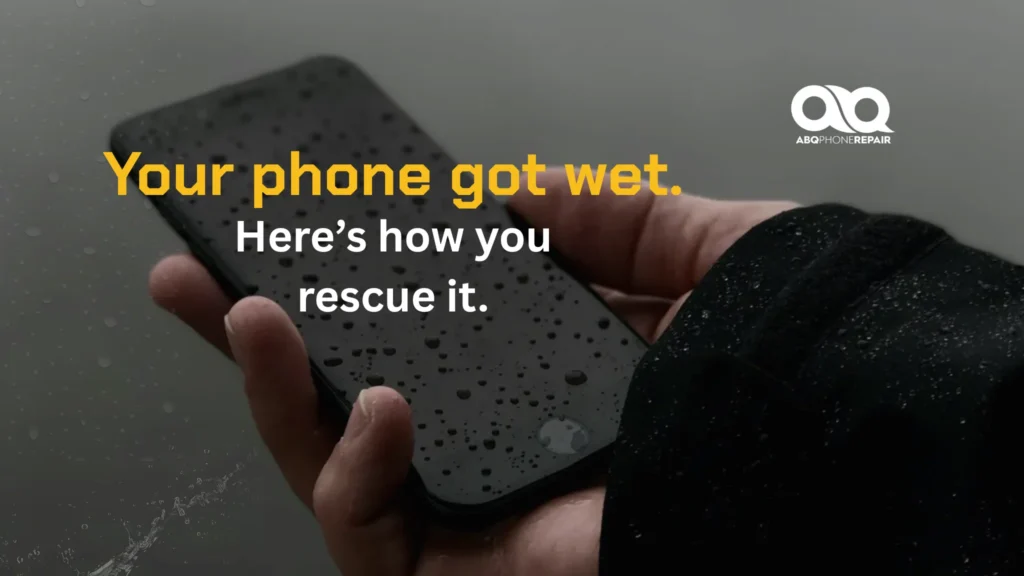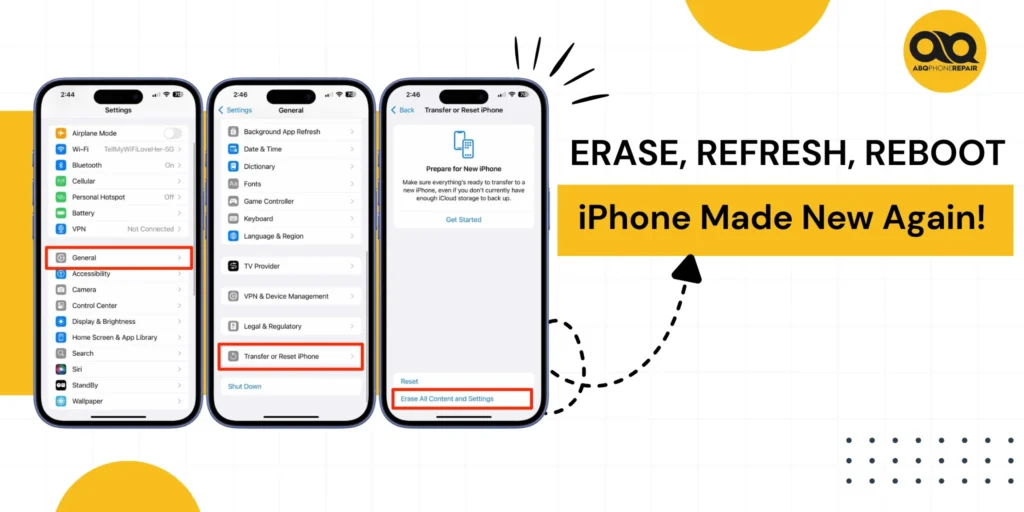
Your phone just fell into water. Your heart’s pounding. You pulled it out immediately, but now what? Most people make critical mistakes in the first 60 seconds that guarantee permanent damage. The difference between a working phone and a dead one isn’t luck. It’s knowing exactly what to do right now.
Power off immediately. Don’t check if it works. Don’t shake it. Don’t put it in rice. These common reactions actually push water deeper into your device, damaging internal components. Every second you delay proper action, corrosion spreads through circuits and connections.
Water damage doesn’t mean your phone is dead. You can save your device, recover irreplaceable photos and data, and avoid spending hundreds on a replacement. But recovery depends entirely on your next moves. Follow the right steps in the right order, and most water-damaged phones survive. Skip critical actions or use the wrong methods, and even minor water exposure becomes catastrophic.
Act Fast: The First 60 Seconds Matter Most
Time is your enemy when water enters your phone; every second counts.
Power it off immediately. Don’t check if it still works. Don’t try to open apps. Just power it down completely. Water and electricity create short circuits that destroy internal components.
Remove everything external. Take off the case. Pull out the SIM card tray. Remove any attached accessories. These traps water against your phone and slow drying. Don’t shake or blow on it, as this pushes water deeper into internal components.
How to Get Water Out of Your Phone
Water doesn’t just sit on the surface. It seeps into ports, speakers, and internal circuits.
Dry the exterior completely using a soft, absorbent cloth. Pat the phone dry. Don’t rub it, as rubbing pushes water into openings. Pay special attention to charging ports, headphone jacks, and speaker grilles.
Tilt the phone gently so the ports face downward. Let gravity help water drain out. Hold this position for a few minutes while dabbing away moisture that emerges. If your phone has a removable battery, take it out now.
The Right Way to Dry Your Phone
Silica gel packets are your best option for drying a water-damaged phone. These small pouches that come with new shoes and electronics absorb moisture extremely effectively.
Collect as many silica gel packets as you can find. Place your phone in an airtight container or zip-top bag. Surround it with silica gel packets and seal the container.
Don’t use rice. Rice doesn’t absorb moisture as effectively as silica gel. Rice dust also gets into your phone’s openings and causes additional problems. Wait 24 to 48 hours minimum before attempting to power on your phone.
What Not to Do With a Water-Damaged Phone
Certain actions make water damage worse. Avoid these common mistakes:
- Don’t use heat sources like hair dryers, ovens, or direct sunlight
- Don’t turn the phone on repeatedly to check if it works
- Don’t press buttons excessively or shake the device
- Don’t charge the phone until it’s completely dry
- Don’t ignore early warning signs of continued damage
Heat warps plastic components and melts adhesives. Repeated power attempts cause short circuits. Each mistake reduces your chances of recovery and increases repair costs.
How to Repair a Water-Damaged iPhone
iPhones handle water differently from other phones. iPhone 7 and newer models have some water resistance, but this doesn’t mean waterproof.
Check your iPhone’s Liquid Contact Indicator in the SIM card tray. It’s normally white or silver. If it turns red or pink, water has reached the inside. Remove your SIM tray and check this indicator immediately.
Don’t charge your iPhone for 48 hours. iPhones often show “Liquid Detected in Lightning Connector” warnings to protect you. Charging a wet phone causes electrical shorts. Wait the full drying period before connecting any cables.
Common iPhone Water Damage Issues
Face ID stops working first in many water-damaged iPhones. The sensor system is sensitive to moisture. Cameras fog up from internal moisture. Speakers sound muffled or distorted.
The screen might work, but touch response fails in certain areas. These are signs of internal moisture requiring more drying time. Some features may recover after complete drying, while others need professional repair.
How to Repair Water Water-Damaged Samsung Phone
Samsung Galaxy S7 and newer flagship models have IP68 water resistance ratings. This means they withstand submersion in fresh water up to 1.5 meters for 30 minutes.
Salt water, pool chemicals, and longer submersion exceed these limits. Water resistance also degrades over time as seals wear out. Remove the SIM and SD card tray completely to help with air circulation.
Samsung’s AMOLED screens show water damage through discolouration, dark spots, or lines. If your Samsung phone turns on but the screen is black, moisture likely damaged the display connections. Don’t use wireless charging until after the full drying period.
How to Fix a Water-Damaged Phone That Won't Turn On
You’ve waited 48 hours, but your phone still won’t power on. Don’t give up yet. Charge it fully before trying again. Water damage can completely drain batteries. Plug your phone into a charger and let it charge for at least two hours before attempting to power it on.
Try a forced restart if charging doesn’t work. For iPhones with Face ID, press and release volume up, press and release volume down, then hold the side button. For Samsung phones, hold the volume down and power buttons together for 10 seconds. Water-Damaged
Phone Screen Problems
Your phone powers on, but something’s wrong with the screen. This is one of the most common water damage scenarios.
If the screen turns on but remains black, water has damaged the backlight system or display connections. The screen itself might work, but the components that light it up have failed. This requires professional repair or screen replacement.
If you see lines, discolouration, or foggy areas on the screen, water has got between the display layers. Sometimes this improves as the moisture fully evaporates. Give it another 24 to 48 hours in silica gel.
When Professional Repair Is Necessary
Some water damage goes beyond home remedies. Know when to seek professional help.
Visible corrosion in ports indicates serious internal damage. White, green, or brown deposits around charging ports or buttons show that chemical reactions are happening inside your phone. This requires professional cleaning with specialised equipment.
Complete power failure after 48 hours means internal components have failed. If your phone won’t turn on after complete drying and charging attempts, logic board damage needs professional diagnosis. Ultrasonic cleaning and specialised equipment can recover phones that seem completely dead.
How to Repair Water Water-Damaged Phone at Home
You can handle minor water damage at home if you act fast. The key is immediate action and proper drying.
Power off the device within seconds of water exposure. Remove all external components, including cases, SIM cards, and any accessories. Dry the exterior thoroughly with a soft cloth.
Place the phone in an airtight container filled with silica gel packets. Seal the container completely and leave it undisturbed for 48 hours minimum. After the waiting period, attempt to power on the phone.
Understanding Water Damage Indicators
Most phones have built-in indicators that show whether water has entered the device. These help you assess damage severity.
Check the SIM card tray area. Most phones place a Liquid Contact Indicator in or near the SIM tray slot. This indicator is normally white or silver. If it turns red, pink, or purple, water has entered the phone.
Look inside the charging port with a flashlight. Some phones have an indicator visible in the charging portDiscolourationon here indicates water reached critical internal areas.
Preventing Future Water Damage
You’ve recovered your phone this time. Take steps to prevent it from happening again.
Use a waterproof case near water. If you’re at the beach, pool, or on a boat, put your phone in a waterproof case or pouch. These cases cost far less than repair or replacement.
Avoid using phones in bathrooms. Steam from showers creates moisture that accumulates over time. Keep phones away from drinks, as most water damage comes from coffee spills and knocked-over water glasses.
Get Your Phone Professionally Evaluated
Water damage doesn’t always show up immediately. Corrosion develops over time, causing problems days or weeks after the initial water exposure.
If your phone shows any ongoing issues like random restarts, unusually fast battery drain, cameras that won’t focus, or speakers that sound distorted, internal corrosion is spreading. These problems won’t fix themselves and will get worse without professional intervention.
Stop risking your phone and your data. Get a free, no-obligation evaluation from ABQ Phone Repair & Accessories, where certified technicians use professional-grade ultrasonic cleaning equipment and diagnostic tools. Most water damage assessments are completed the same day, and many phones are fully recoverable with proper treatment. Don’t wait until complete failure, as the sooner you address water damage, the better your recovery chances.
Your phone holds irreplaceable photos, important contacts, and critical information. Professional water damage repair can save what matters most.