


Warm vs Overheating: What's Normal
Every smartphone generates heat during use. The processor, GPU, and modem all produce thermal energy, especially during demanding tasks like gaming, video recording, navigation, and fast charging. A phone that feels warm to the touch during these activities is operating normally.
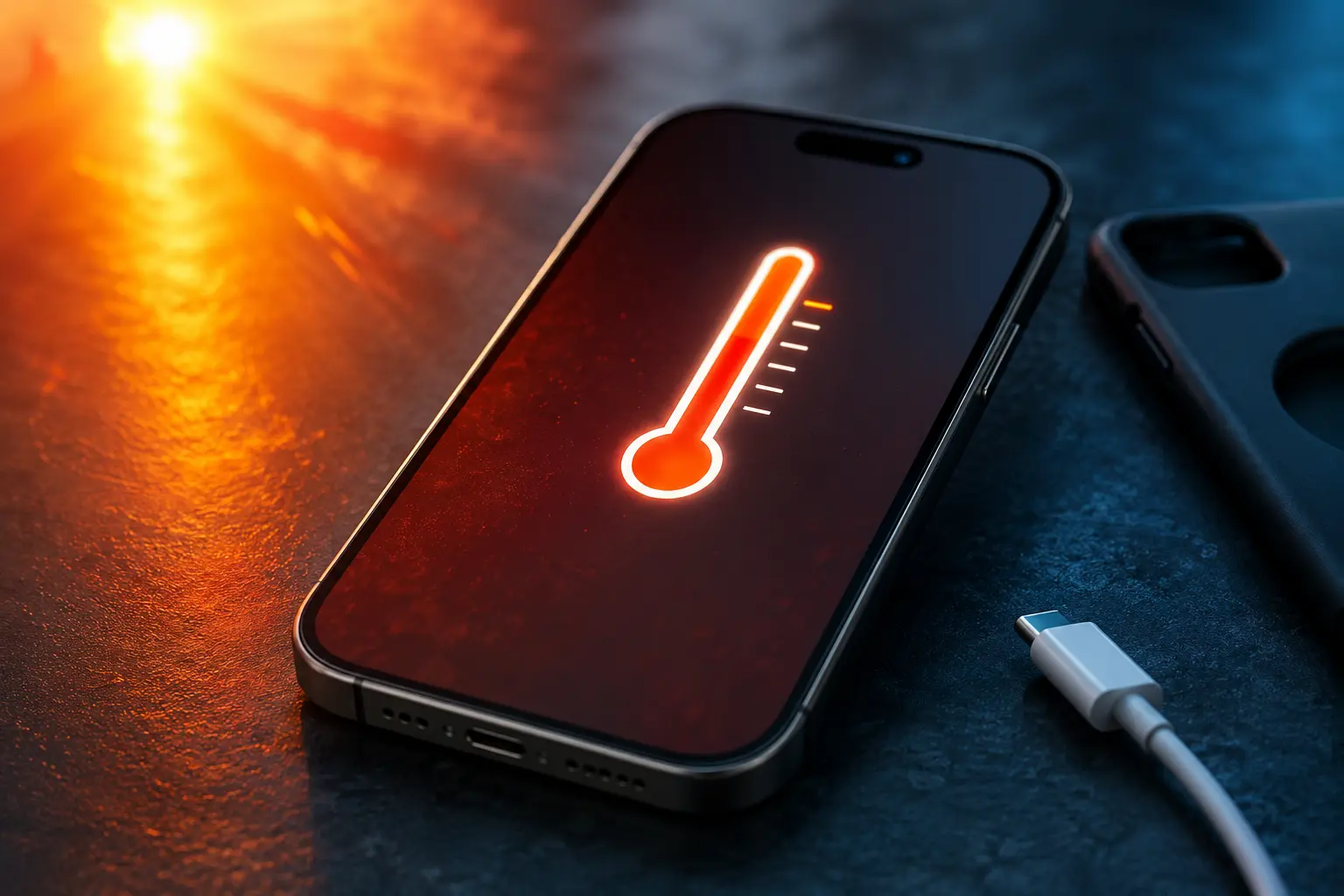
Overheating is different. If the phone becomes uncomfortably hot to hold, displays a temperature warning, throttles performance noticeably, or shuts down on its own, the heat has exceeded what the phone's thermal management system can handle.
What Causes Phones to Overheat
Heavy Processing for Extended Periods
Gaming for hours, recording 4K video in direct sunlight, or running multiple intensive apps simultaneously pushes the processor and GPU to sustained high loads. The heat generated exceeds what the phone's passive cooling (metal frame, thermal paste, heat spreaders) can dissipate.
Charging While Using the Phone
Charging generates heat in the battery. Using the phone while charging adds processor heat on top of that. Fast charging produces more heat than standard charging. The combination of all three (fast charging while gaming, for example) is the most common cause of overheating.
Direct Sunlight and Hot Environments
Leaving your phone on a car dashboard in summer, using it at the pool or beach in direct sun, or keeping it in a pocket during outdoor physical activity in hot weather can push the ambient temperature around the phone high enough to trigger thermal warnings. In climates with high daytime temperatures, this happens more frequently.
Software Bugs and Background Processes
A misbehaving app or a stuck background process can peg the CPU at high usage without you doing anything. The phone gets hot sitting idle. Check Settings > Battery on iPhone or Settings > Battery > Battery Usage on Android to identify apps consuming abnormal amounts of processing power.
A Failing Battery
Batteries that are degraded, swollen, or damaged can generate excess heat during charging and use. If your phone gets unusually hot during light use (basic browsing, messaging) and the battery drains quickly, the battery itself may be failing. This is the most important overheating cause to take seriously, because swollen or defective batteries are a safety risk.
What Overheating Does to Your Phone
Battery Degradation
Heat is the primary enemy of lithium-ion batteries. Sustained high temperatures accelerate the chemical degradation of the battery cells, permanently reducing maximum capacity. A phone that regularly overheats will lose battery health faster than one that stays within normal thermal ranges.
Apple and Samsung both throttle charging speed and processing power when the phone detects high temperatures. This is a protective measure, but if your phone is triggering these throttles frequently, the underlying heat source needs to be addressed.
Screen Damage
Extreme heat can affect OLED displays. Prolonged exposure to high temperatures can accelerate the organic compounds in OLED pixels degrading unevenly, leading to screen burn-in or discoloration. LCD screens are less susceptible to this but can develop dead spots from sustained heat.
Processor Throttling
When the phone's internal temperature exceeds a safe threshold, the processor reduces its clock speed to generate less heat. This is why your phone feels sluggish when it's hot. Gaming performance drops, app loading slows, and even basic scrolling can stutter. The phone recovers once it cools down, but if overheating is frequent, you're spending a lot of time at reduced performance.
How to Prevent Overheating
Remove the case during heavy use or charging. Cases trap heat against the phone's body, preventing the frame from dissipating thermal energy. Even thin cases make a measurable difference in peak temperature.
Avoid using the phone while fast charging. Let it charge without screen-on activity, especially during gaming or video calls.
Keep the phone out of direct sunlight. If you're outdoors in hot weather, keep the phone in a bag or pocket rather than exposed on a surface.
Close background apps you're not using. On iPhone, swipe up from the bottom and swipe away apps in the app switcher. On Android, use the recent apps button and clear unused apps.
If the phone is already hot, stop using it and let it cool in a shaded area. Do not put it in a freezer or refrigerator. Rapid temperature changes can cause condensation inside the phone, which introduces moisture to internal components.
When Overheating Won't Stop
If your phone overheats during light, everyday use (basic messaging, browsing, calls) and you've ruled out software causes, the problem is likely hardware. A degraded battery, failing thermal paste, or a shorted component on the logic board can all cause persistent overheating that no behavioral change will fix.
At our Albuquerque shop, we diagnose overheating issues by checking battery health, inspecting thermal management components, and monitoring board-level thermals. Whether it's an iPhone or a Samsung, we can pinpoint the cause and fix it. Schedule a free diagnostic.