


What's New in iOS 26
Apple released iOS 26 with a significant visual refresh and a batch of feature updates. Here's a practical breakdown of what changed, what's useful, and what to know before you update.
Redesigned Interface
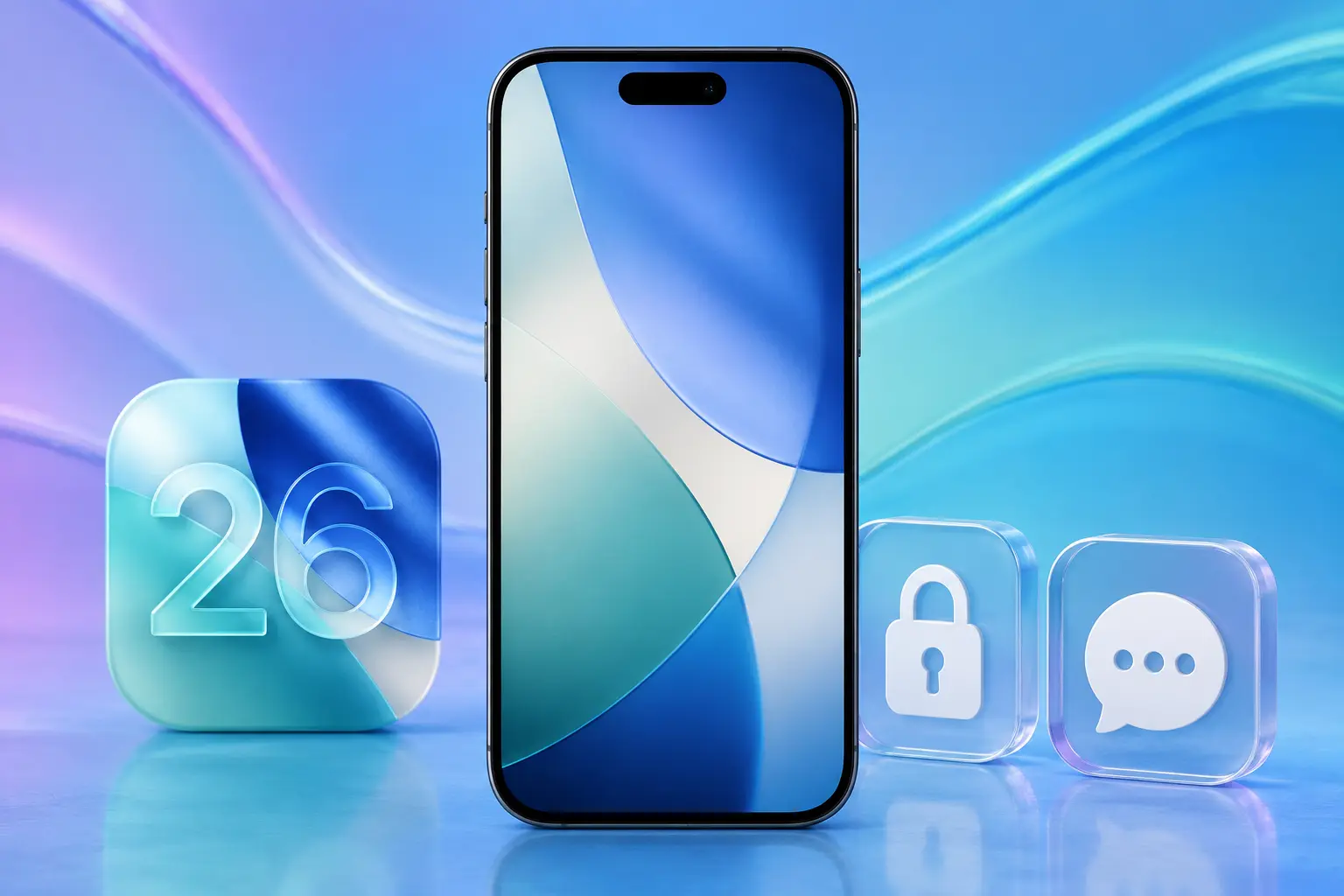
The most visible change in iOS 26 is the overhauled look. Apple introduced a "Liquid Glass" design language that gives apps, menus, and system elements a translucent, layered appearance. The Control Center, notifications, and app switcher all feel different visually, though the core interactions remain the same.
The home screen and app icons also received updates. Icons have a new shape and reflective quality that changes with the ambient light theme. Whether you find this an improvement is a matter of taste, but the functional layout hasn't changed.
Updated Control Center
The Control Center got a more modular layout. You can now customize which controls appear, resize them, and organize them into groups. This makes it easier to keep your most-used toggles (flashlight, camera, Wi-Fi, Bluetooth, screen brightness) accessible without scrolling.
Smarter Notifications
iOS 26 improves how notifications are grouped and summarized. The system uses on-device intelligence to prioritize notifications that are likely to be important to you and bundle less urgent ones into a digest. You can still expand and see everything, but the default view is less cluttered.
Messages Updates
New formatting options in iMessage (text effects, inline reactions, and richer link previews) give conversations more flexibility. Scheduled messages let you compose a text now and have it sent at a specific time, which is useful for reminders or messages across time zones.
Apple Intelligence Expansion
Apple's AI features (branded as Apple Intelligence) received expanded capabilities in iOS 26. Writing tools, image generation, and Siri improvements from the initial rollout are now more refined. Siri can handle more complex, multi-step requests and maintain context across follow-up questions better than in iOS 18.
These features are only available on iPhone 15 Pro and newer (anything with the A17 Pro chip or later). Older iPhones get the visual refresh and most other features but not the AI-powered tools.
Privacy and Security
iOS 26 adds more granular app permissions. You can now grant one-time access to specific features (like the clipboard or local network) rather than permanent permission. Safari also received improvements to its tracking prevention, blocking more cross-site trackers by default.
Which iPhones Support iOS 26
Apple dropped support for some older models with this release. Generally, iPhones from the iPhone 12 series and newer are supported. If your phone is an iPhone 11 or older, it will stay on iOS 18 or the last compatible version.
To check: go to Settings > General > Software Update. If iOS 26 appears as an available update, your phone supports it. If it doesn't show up, your model has been dropped from support.
Should You Update Right Away?
Back up your phone before updating (iCloud or computer backup). Major iOS releases occasionally have minor bugs in the first few weeks that get patched in a point update (26.0.1, 26.0.2, etc.). If your phone is your primary work device, waiting a week or two after release for the first patch is a reasonable approach.
If you do update and experience issues (battery drain, app crashes, connectivity problems), these often resolve with a settings reset: Settings > General > Transfer or Reset iPhone > Reset > Reset All Settings. This preserves your data while resetting system preferences that may have carried over in a problematic state.
Post-Update Issues
Major iOS updates occasionally expose pre-existing hardware issues that weren't noticeable before (battery drain revealing a degraded battery, increased processing load triggering overheating on a phone with failing thermal management). If your iPhone starts behaving differently after updating and basic troubleshooting doesn't help, our Albuquerque iPhone repair team can check whether the issue is software or hardware. Reach out here.