


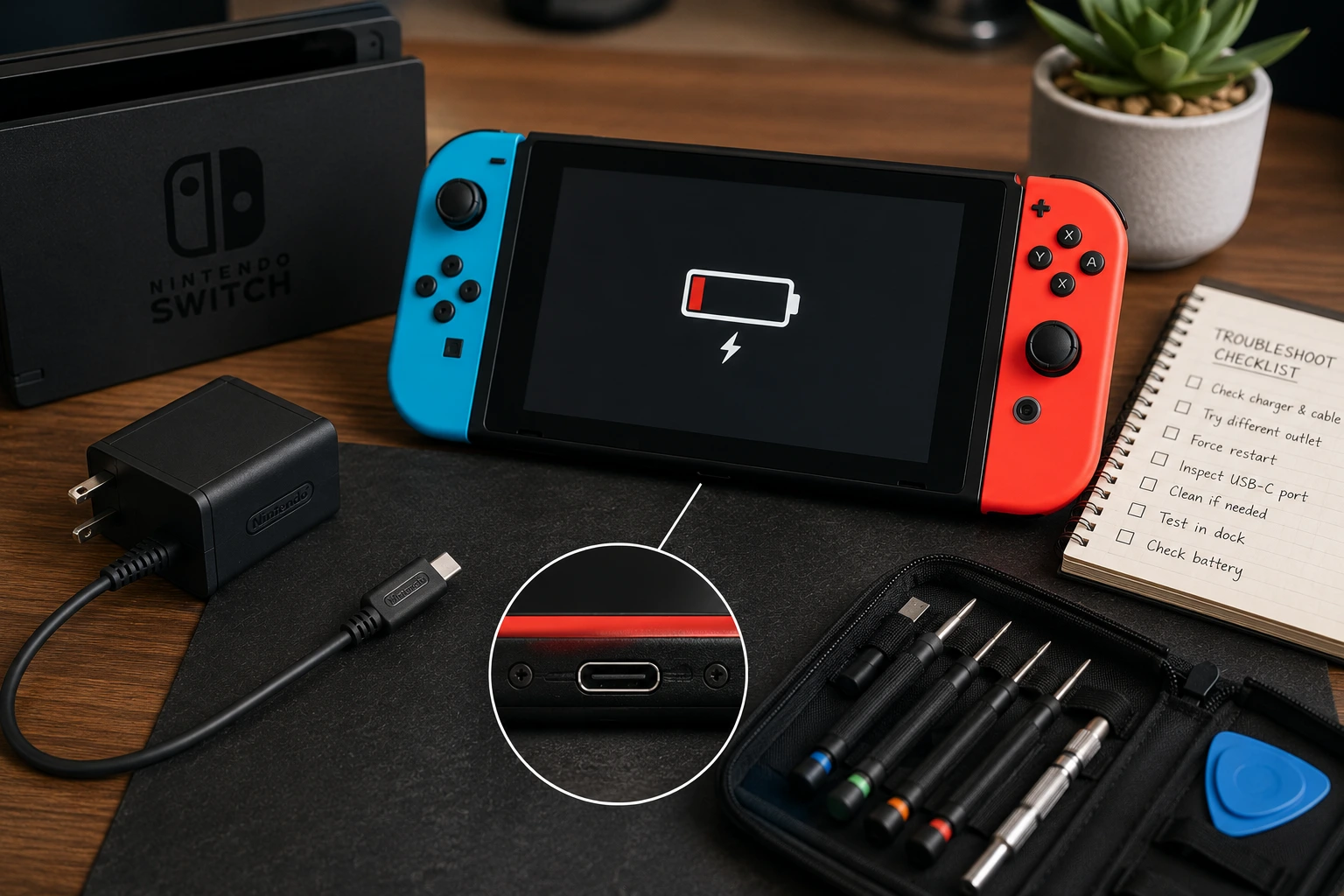
Start With the Basics
A Nintendo Switch that won't charge is usually caused by one of four things: the charger or cable, the USB-C port, the battery, or a software freeze that makes the console appear dead. Most of the time, you can narrow it down in a few minutes.
Check the Charger and Cable
The Switch ships with an AC adapter rated at 39W (15V/2.6A). Using a lower-powered charger (like a phone charger at 5W or 10W) will either charge extremely slowly or not charge at all, especially if the Switch is powered on during charging.
Try the original AC adapter in a different wall outlet. If you've been using a third-party USB-C cable, switch back to the official adapter. The Switch uses a non-standard USB-C power delivery implementation, and some third-party cables and chargers don't negotiate the correct voltage.
If the official charger doesn't work either, try charging through the dock. The dock uses the same AC adapter but routes power differently. If the Switch charges through the dock but not directly, the USB-C port on the console may have a contact issue.
Force Restart the Console
If the Switch shows a completely black screen and appears dead, it may be frozen rather than out of battery. Hold the power button for 15 to 20 seconds (much longer than a normal press). The console should either restart or show the charging indicator.
If nothing happens after the forced restart, plug the console into the charger and wait at least 30 minutes before trying again. A fully depleted battery can take several minutes before the Switch shows any sign of charging.
Inspect the USB-C Port
Look inside the USB-C port on the bottom of the Switch with a flashlight. Common issues you can spot visually: lint and debris packed in the port (prevents the cable from making contact), bent or pushed-in pins (the center row of pins should be straight and evenly spaced), and corrosion or discoloration (green or dark spots around the pins).
For lint and debris, use a wooden toothpick to gently scrape the inside of the port. Avoid metal tools since they can short the pins or push debris further in.
If you see bent pins or corrosion, the port needs to be replaced. This is a soldered component on the Switch's motherboard, so it requires board-level repair.
Battery Issues
If the Switch charges but dies quickly (lasting 30 minutes to an hour instead of the expected 4 to 9 hours depending on model), the battery has degraded. Lithium-ion batteries lose capacity over hundreds of charge cycles, and a Switch that's been heavily used for 3+ years may need a battery replacement.
Another sign of a failing battery: the charge indicator jumps erratically (showing 60% one moment and 15% the next) or the console shuts off at 20% or 30% without warning.
The battery in the original Switch and Switch OLED is replaceable. It's held in with adhesive and connected via a standard battery connector. The repair is relatively straightforward compared to phones, but still requires opening the console.
Charging IC Failure
The Switch uses dedicated ICs (integrated circuits) on the motherboard to manage power delivery. If these chips fail (often from using a faulty third-party dock or charger that sent incorrect voltage), the console won't charge regardless of what cable or adapter you use.
Charging IC failure is a board-level problem. The damaged chip needs to be identified and replaced through micro soldering. This isn't something you can diagnose visually, as the chips are tiny surface-mount components.
Switch Lite Differences
The Switch Lite uses the same USB-C port and charging system, but the port is in a slightly different position and the internal layout differs. The troubleshooting steps above apply to the Lite as well, but the disassembly process for port or battery replacement is different.
One common Lite-specific issue: the smaller form factor means the USB-C port takes more stress from handheld play (cable pulling at angles while playing). Port damage on the Lite is proportionally more common than on the standard Switch.
Switch Charging Repairs in Albuquerque
We repair Nintendo Switch charging issues at our game console repair shop. USB-C port replacement, battery swaps, and charging IC repairs are all handled in-house with board-level soldering. Most charging-related Switch repairs are same-day.
If your Switch won't charge and the basic troubleshooting above didn't fix it, bring it in for a free diagnostic. We'll pinpoint whether it's the port, battery, or charging IC before quoting anything.